

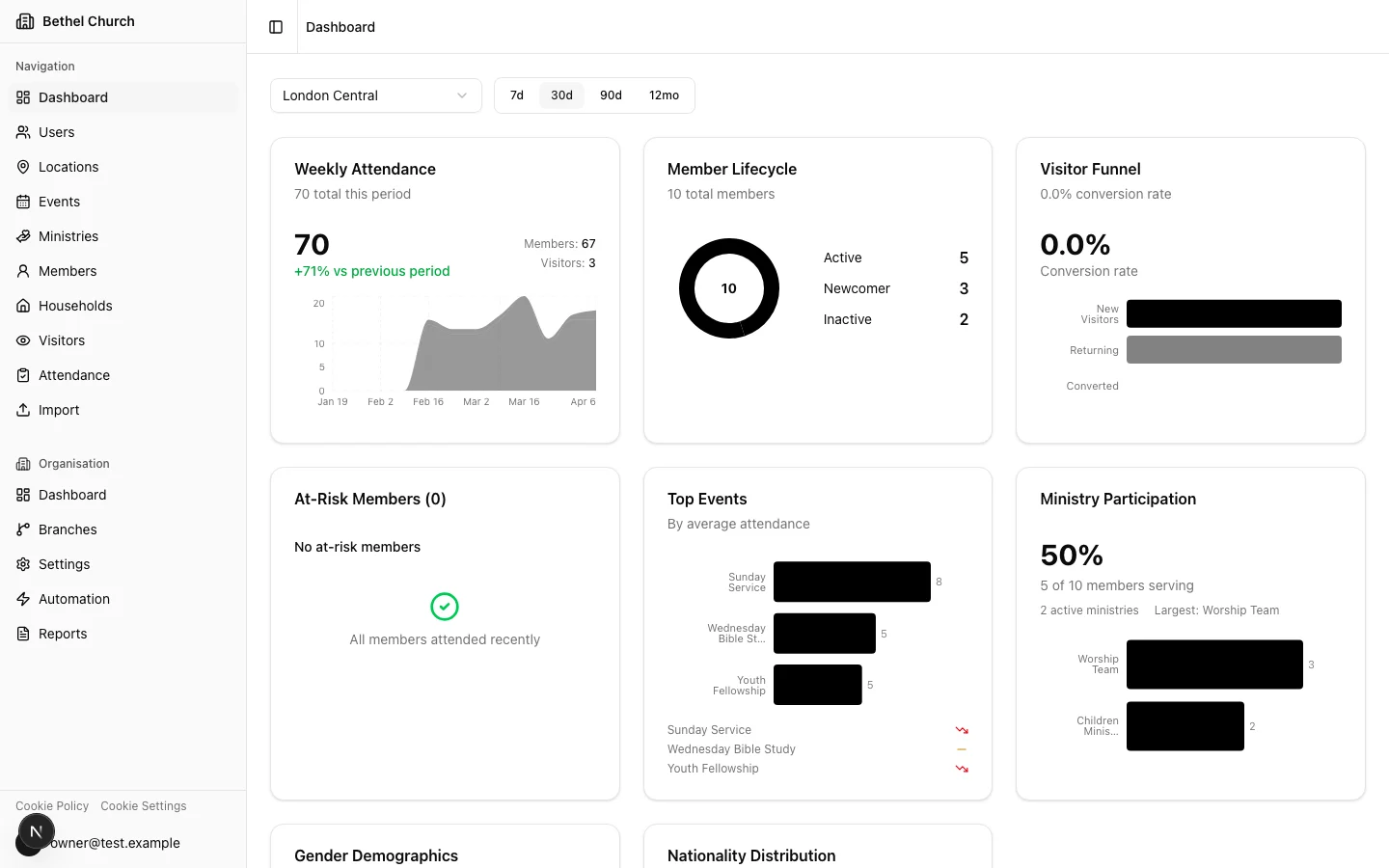
What you can do with Bethel ChMS
- Manage members: Store contact details, group members by branch, and keep your directory up to date.
- Track attendance: Record who attended each service or meeting and spot trends over time.
- Run events: Create services, meetings, and special events so your team knows what’s coming.
- Handle visitors: Log first-time guests and follow up so no one slips through the cracks.
- Review dashboards: See branch-level activity and organisation-wide trends.
What you’ll need to get started: an email address and a few minutes. That’s it.
Key terms
Before you dive in, here are a few terms you’ll see throughout Bethel ChMS:- Organisation: Your church network. It contains all your branches, members, and settings.
- Branch: An individual church location within your organisation.
- Branch scope: The active branch a user is viewing or managing. Org-scoped users can switch branches. Branch-scoped users stay in their assigned branch.
- Role: The level of access a person has in Bethel ChMS, such as Org Admin, Branch Admin, Editor, or Treasurer.
Next steps
Ready to set up your church? Head over to the setup guide to create your organisation and add your first branch.Set up your organisation
Create your organisation, add a branch, and invite your first team members.